Crop and straighten
Free or fixed proportions, crop to a selection, straighten a tilted horizon.
 Larvien's Photo Editor
PL
Crop, resize, rotate and add text to screenshots and photos - right in your browser, on a computer or a phone.
Open the editor →Many photos at onceFree, no account, nothing to install.
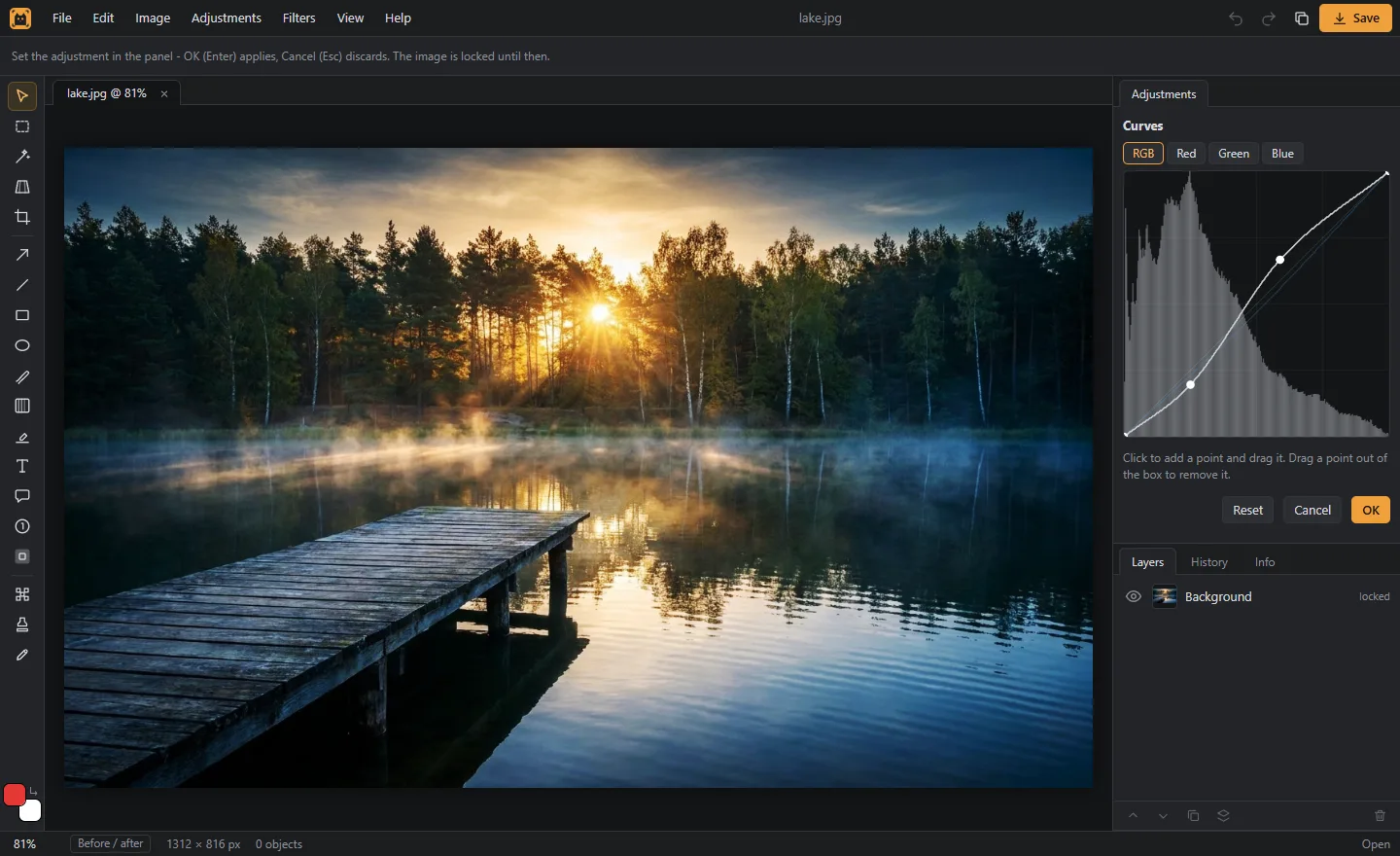
The editor runs entirely in your browser. There is no upload: the page is not even allowed to send anything (a strict Content Security Policy blocks every network connection). Safe for screenshots with client or company data.
Free or fixed proportions, crop to a selection, straighten a tilted horizon.
High-quality scaling in pixels or per cent. Many photos at once: resize, convert and strip EXIF, download as ZIP.
Turn by 90°, mirror, add a margin with rounded corners and a shadow around a screenshot.
Labels with a background or an outline, four font styles, any colour and size. Spotlight dims everything but the important part.
Arrows, speech bubbles, frames, brush, highlighter, numbered markers, watermark and a second image as a layer. Full history, autosaved draft.
Pixelate, blur or paint over names, e-mails and amounts - the pixels are changed for good.
Levels with histogram, curves, RGB channels, hue and saturation, colour temperature, unsharp mask, blur, noise reduction, vignette.
See the metadata (camera, GPS) and save without it - as PNG, JPG or WebP. Ctrl+V and copy back to the clipboard.